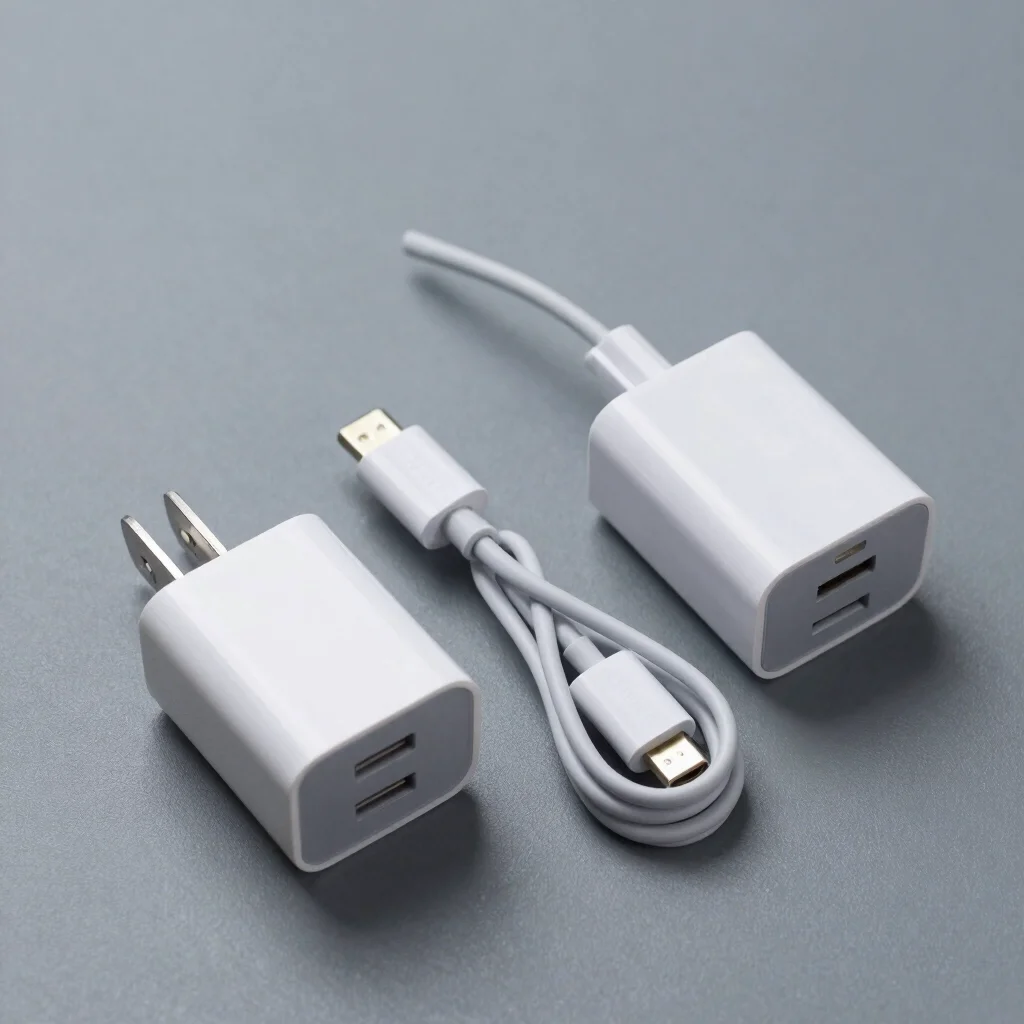
A laptop's USB-C port and a phone's USB-C port may use the same connector, but that does not mean any charger will serve both equally well. A charger's wattage describes its maximum rated output, not a promise that every connected device will draw that amount. Match the charger to the devices you actually carry.
Start with device requirements
Check the device maker's charging guidance for the recommended power and supported charging standards. A lower-wattage adapter may be sufficient for a phone or small accessory, while some laptops call for a higher-output USB-C charger. If you're comparing a 30-watt and a 65-watt option, the higher number is useful only if a device in your setup can use that capacity.
USB Power Delivery, often listed as USB PD, is a common standard used by USB-C chargers and devices to negotiate power. Support and charging behavior vary, so check the charger specifications alongside the device documentation rather than relying on the port shape alone. For a laptop, also confirm whether the particular USB-C port supports charging.
Check ports and sharing
A single-port charger has a straightforward job: power one connected device. Multiport models can reduce the number of adapters in a bag, but the maximum output may be shared or reallocated when another device is plugged in. Read the output table for the combination of ports you expect to use, not only the largest wattage printed on the package.
The cable is part of the comparison too. Check that it is rated for the charging power and standard you intend to use; a suitable charger cannot make an incompatible cable or device charge at a higher rate. If a cable is included, confirm its stated capabilities rather than assuming all USB-C cables are equivalent.
Choose for the whole kit
For a phone-only setup, a compact charger that meets the phone maker's guidance may be a more practical choice than extra laptop-level output. For a laptop and phone carried together, compare a higher-output multiport charger against the size, weight, and port-sharing details of the exact model. If you need to charge several devices at once, verify each port's output under simultaneous use.
Electronic's buying guides compare published specifications and explain the trade-offs behind them; they are not claims of hands-on testing. When our articles use affiliate links, Electronic may receive a commission if a reader makes a qualifying purchase, at no additional cost to that reader. Before buying, check the charger, cable, and device documentation together—connector compatibility alone does not settle the choice.