
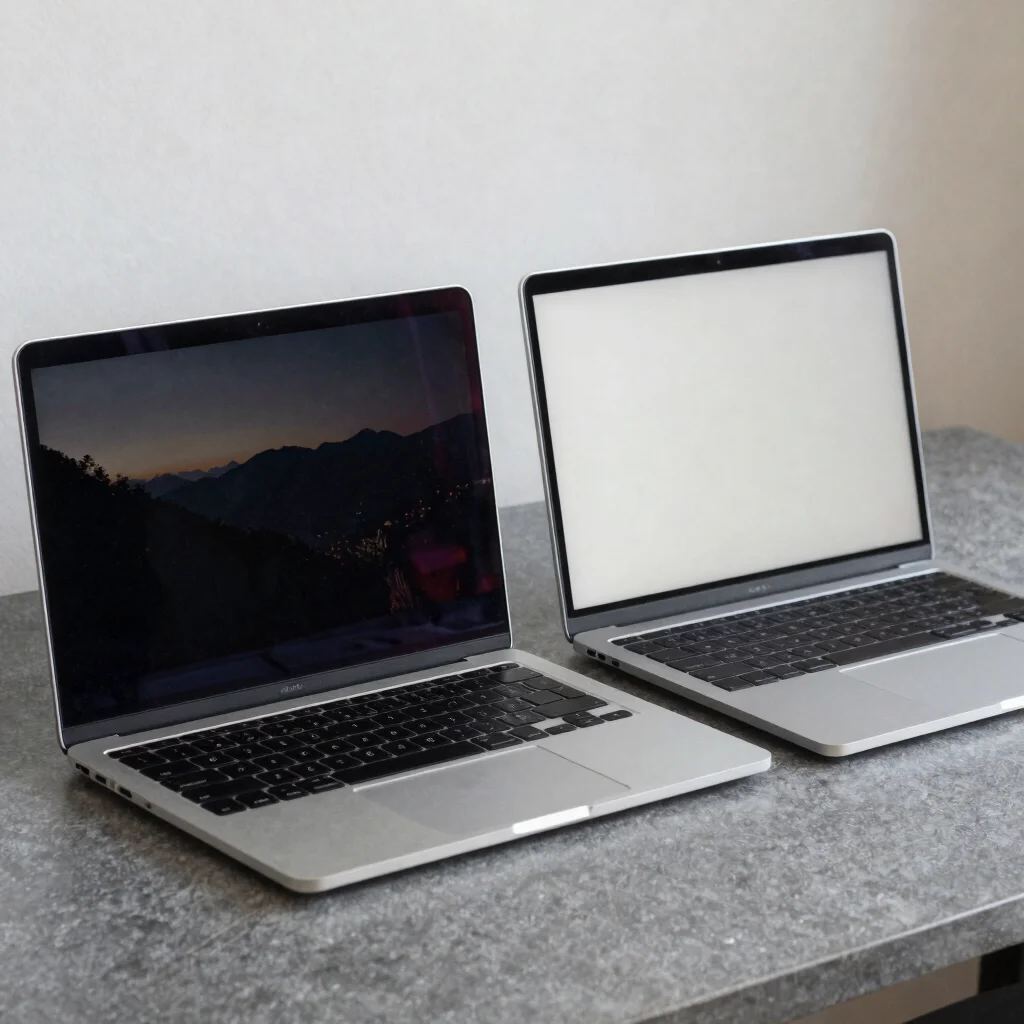
Two laptops can share a similar resolution and still look noticeably different when you open them side by side. Panel type, screen finish, and refresh rate all shape the experience, but none is automatically worth paying more for. Start with how you use a laptop, then weigh the specifications that affect those moments.
What the panel changes
OLED panels light individual pixels, which can produce deep blacks and strong contrast in dark scenes. IPS panels use a backlight, and are common in laptops across a range of configurations; the actual picture depends on the specific display, not just the panel label. For photo work or movie watching, compare color coverage and brightness figures when manufacturers provide them.
OLED may be appealing for films and visually rich games, while an IPS laptop may make more sense if you find a configuration with the screen qualities you need at a better overall price. If your work leaves the same interface elements on screen for long stretches, check the manufacturer's guidance on image retention for the specific OLED model. Panel type is useful context, not a complete verdict.
Look beyond resolution
A matte finish can reduce distracting reflections in a bright room, while a glossy screen may look more vivid but catch nearby windows and lamps. Maximum brightness matters most when you work near strong ambient light; it matters less if the laptop usually stays at a desk away from direct sun. Refresh rate is another practical difference: higher rates can make scrolling and motion look smoother, but everyday email and document work may not benefit enough to justify a large price premium.
Check the exact configuration before comparing prices, since one laptop line can be sold with different screen options. Compare resolution, brightness, refresh rate, and any listed color coverage on the model pages—not just the product family name. That makes it easier to spot when two similarly named laptops are not really like-for-like.
Match the screen to use
For creative work, prioritize the panel's documented color coverage and the software you use to check color; a vivid-looking display alone does not establish accuracy. For travel, consider reflections and brightness alongside the laptop's size and battery specifications. For general browsing, a well-reviewed screen with comfortable brightness and a suitable finish may matter more than chasing the highest refresh rate.
Electronic's comparisons focus on published specifications and practical differences, rather than claiming hands-on testing we have not done. If an article includes affiliate links, Electronic may earn a commission from qualifying purchases at no additional cost to you. Before choosing, verify the screen specification for the exact configuration you plan to buy.